Code Samples | Coupon Batch Report
This batch report will allow you to select a range of orders and view some metrics about the used on those orders.
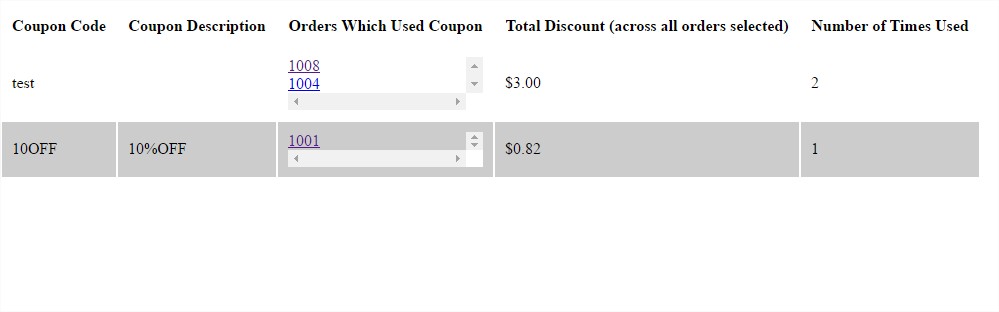
To use, create a new batch report with the code below. Then under order processing, select 1 or more orders, click on batch actions -> Batch Report -> Select the coupon report from the list.
Example Report
To use, create a new batch report with the code below. Then under order processing, select 1 or more orders, click on batch actions -> Batch Report -> Select the coupon report from the list.
Functions Used
Keywords
Coupon Report, Batch Report
Language
Template Language