Order Processing
Shipments
The Shipments screen is very similar to the Orders screen. Orders do not show up in the Shipments screen until at least one item in the order has a picking number (see Create Shipment).
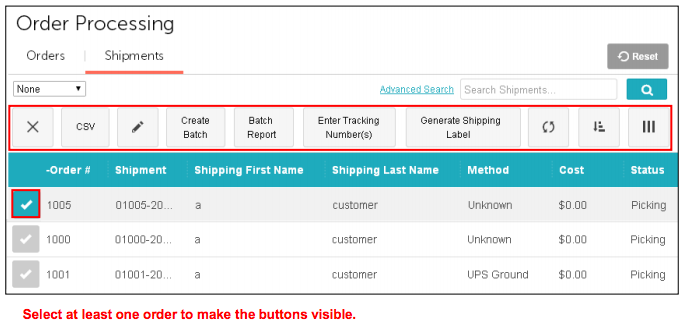
Most of the features of the Manage Shipments screen are described in the Manage Orders section:
- Enter Tracking Number(s)
- Generate Shipping Labels
- Batches
Filters
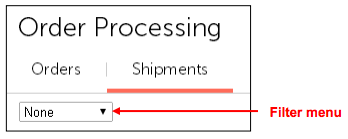
Filters in Order Processing work the same as they do in the Orders screen. Please see  > Order
Processing > Orders tab > Filters.
Batch Report
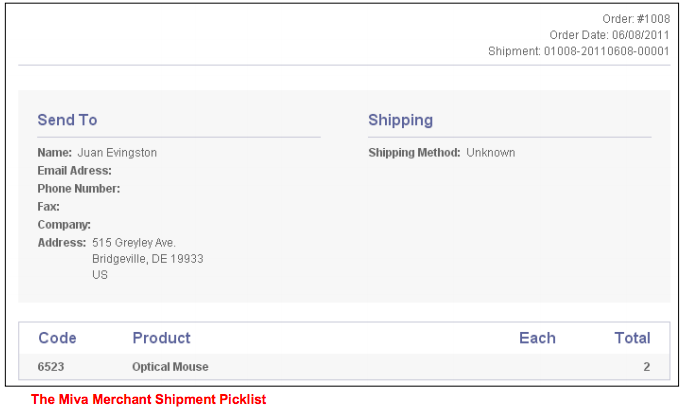
The Batch Report button becomes active when you select at least one order or when you are viewing a Batch of orders that you have created. Miva Merchant comes with one shipment batch report: Shipment Picklist.
To Run a Shipments Batch Report
- Go to > Order Processing > Shipments.
- Select one or more orders and click Batch Report.
To Customize the Shipment Picklist Report
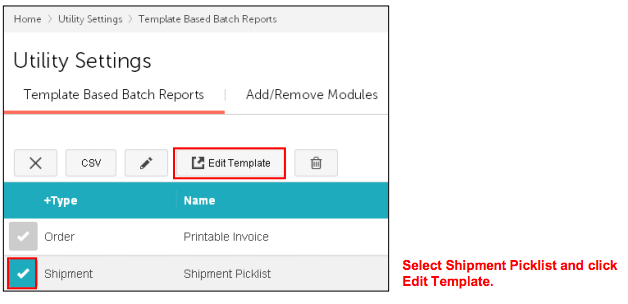
- Go to > Utilities > Template Based Batch Reports.
- Select the Shipment Picklist report and click Edit Template. You can also create your own Batch Reports.