User Interface
Pages
Adding Content to Your Store Pages
There are two ways to add content to your store pages:
- Method 1: Edit the template code.
- Go to
 > User Interface > Pages.
Select a Page (like BASK - Basket Contents) and click the Open Page icon
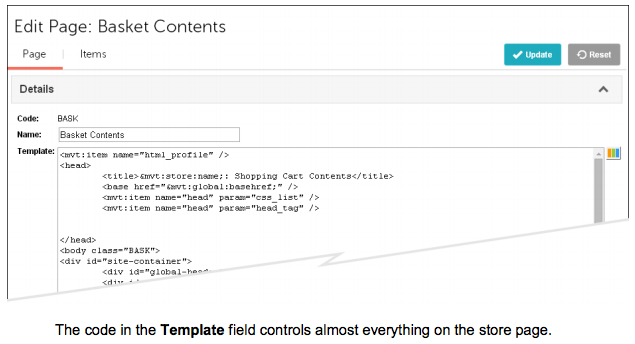
- The page opens in edit mode and the Page tab is selected by default:
- Method 2: Add an Item to the page. See To Add a Local Item to a Page.