How To Guides
Order Notes in Customer Account
The second place you can access Order Notes is under Customer Acct.
Order Notes under Customers
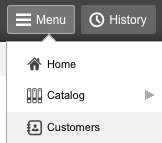
First go to “Menu,†then scroll down to “Customers.â€
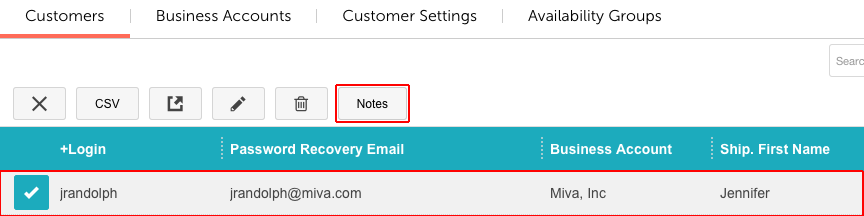
Click on the customer you want to write a note for, and then you’ll see “Notes†appear. Click on Notes.
You’ll get a new window similar to the window in Order Processing Notes. To add a new note, simply click on the “+†and then in the field provided, add whatever note you want.
*Note: All notes can be edited or deleted at any time.*
.png)
.png)
.png)
.png)